
LG FH4U2VCN2 Washing Machine Gone From IE to FE Error Code After Replacing Valve
I've got a LG FH4U2VCN2 washing machine, and I had the IE error. Bought a new inlet valve (but it's got a 3 solenoid system, not 2 like the one in the video.) I installed that, but it's gone from the IE error to FE (water continuously flowing into the machine.) On the valve, there's 3 different coloured electrical connections; red, blue and white. I've found that disconnecting the white connection, stops the continuous flow. However, if I want to put a big wash in the machine, I can only use the speed 15 wash. Any other wash, the machine won't take enough water in, and I end up with the IE error again. I've taken the valve out of the machine, connected it to the water supply, and no water comes through. So the valve is ok, right? So now I'm thinking it may be a main board fault. Would I be correct in thinking this? Thanks.
Tools Required
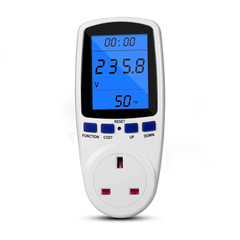
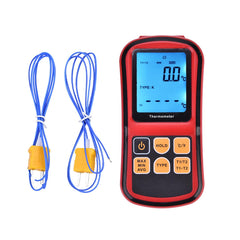
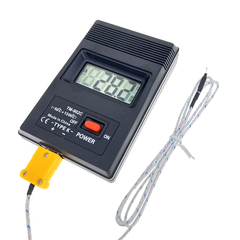

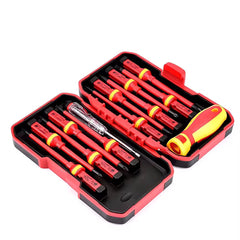

-
Action: Check the label or stamped writing on your original valve and compare it to your new one. You need to clarify that the replacement valve is the exact same voltage type (e.g., 220-240v AC versus a 12v or 24v DC valve).
-
Action: Double-check your original photos (if you took them) to ensure the white wire is definitely supposed to be on that specific terminal.
-
Action: Compare the new valve side-by-side with the old one, looking closely at the molding and where the coil terminals are positioned.
-
Reconnect everything, but keep the lid off so you can access the valve connections.
-
Set your multimeter to the correct voltage setting (AC or DC, depending on what is written on the valve).
-
Turn the washing machine on at the plug, but do not start a wash cycle.
-
Carefully test across the connections for the white wire.
Service Documents
Parts for This Model
Showing compatible parts for model FH4U2VCN2